2026 Latest Guide to Registering ChatGPT from China | Step-by-Step Tutorial + Full High-Res Screenshots (Outlook + OpenAI)
Registering ChatGPT in China has always been one of the most concerned-about topics for many users. This article is the 2026 latest complete guide to registering ChatGPT from China. From scratch, it walks you through registering an OpenAI account using an Outlook international email, with high-resolution step-by-step screenshots and account-ban avoidance tips throughout. Even if you're a complete beginner, you can successfully register ChatGPT and start chatting within 10 minutes!
Through this article, you'll learn:
- How to register a stable Outlook email that won't get blocked (essential for registering ChatGPT in China)
- US IP + human verification tips for registering ChatGPT from China
- All the account-ban avoidance solutions to prevent bans and verification failures
Table of Contents
- Chapter 1: Outlook International Email Registration Tutorial (Essential for Registering ChatGPT in China)
- Chapter 2: Full OpenAI Account Registration Guide (ChatGPT Registration in China)
Chapter 1: Outlook International Email Registration Tutorial (With Account-Ban Avoidance Tips)
1.1 Visit the Official Website to Start Registration
 (https://outlook.com)
Tip: it's recommended to use Chrome with incognito mode enabled to prepare a high-quality email for registering ChatGPT in China
1.2 Create a New Account
Click the "Create account" button
Agree and continue
Set a username
Set a password
Key setup advice (important for avoiding account bans):
- Username suggestion:
English name + numbers(e.g., john2024ai); avoid pure numbers, which are easier to flag - Password must include upper and lower case letters and special characters, with a length of 12+ characters
1.3 Region Selection Tips (Key to ChatGPT Registration)
Select your region
⚠️ Important: your birth year must be 2005 or later, and it's recommended to choose a US tax-free state (such as Delaware) for the address. This greatly improves the success rate of your subsequent ChatGPT registration.
Email registration successful
Chapter 2: Full OpenAI Account Registration Guide (ChatGPT Registration in China)
2.1 Prepare the Official Website Entry
On the official website, click "Sign up" in the top right corner(https://chat.openai.com/)
Network requirement: you must use a US IP address (a Los Angeles node is recommended) — this is the core condition for successfully registering ChatGPT from China
Enter the Outlook email you just registered
Set a password

2.2 Full Email Verification Process
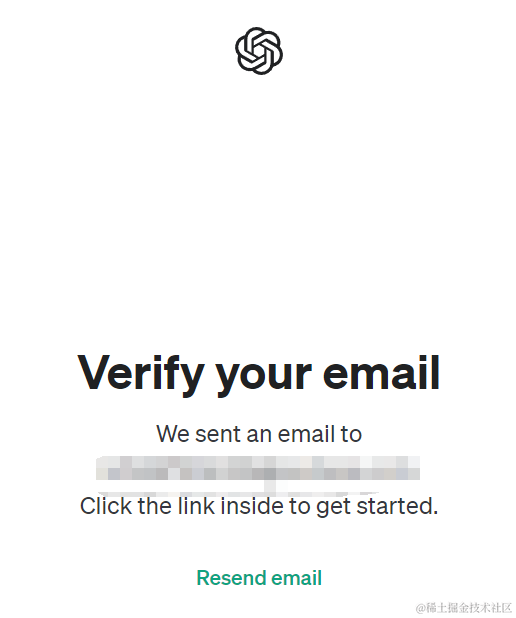
✅ Success tips (a must-read for registering ChatGPT from China):
- Check your spam folder
- Click the verification link within 30 minutes
- Keep your IP address consistent and avoid frequently switching nodes
2.3 Human Verification Solutions
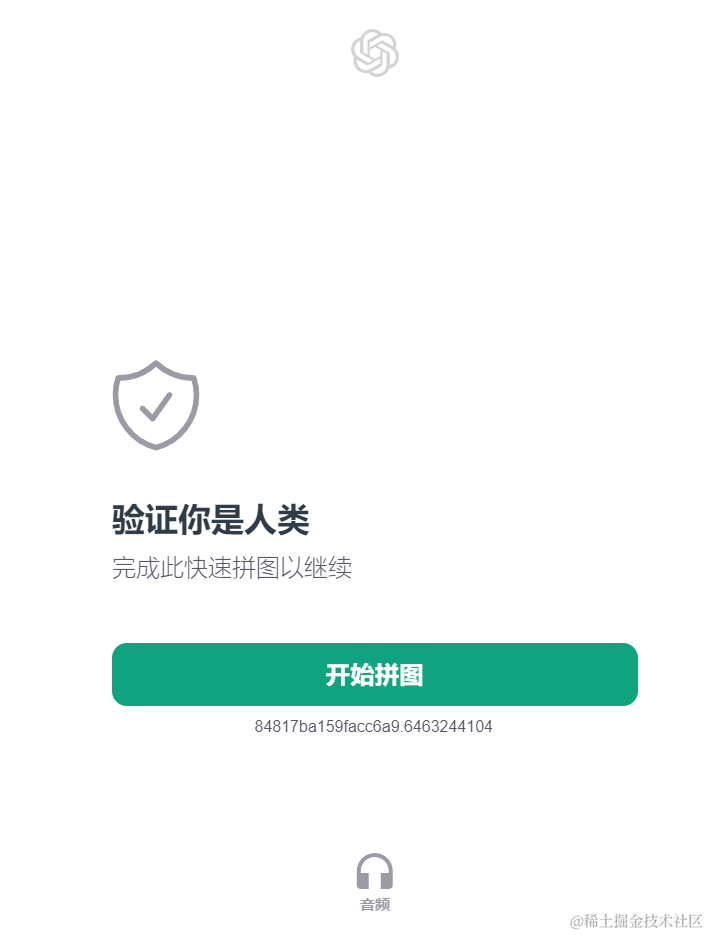
💡 Common issues and fixes:
- Switch browsers if verification fails
- Clear cookies and try again
- Try verifying on mobile
2.4 Test a Conversation
Enter the chat interface
Start a conversation (Who are you?)

Summary: by following the steps above, users in China can easily register ChatGPT and start using it in 2026. We recommend bookmarking this article. If you run into any problems during registration, feel free to leave a comment below!
Disclaimer: please comply with OpenAI's terms of use and use AI tools responsibly.